WhatsApp Business · 9 min read
How to Create a WhatsApp Channel in Nigeria and Grow Your Followers
A practical guide to creating a WhatsApp Channel in Nigeria, planning content, growing followers, and how Channels differ from groups and Status.
By Noah Precious · Published 28 October 2026
Key takeaways
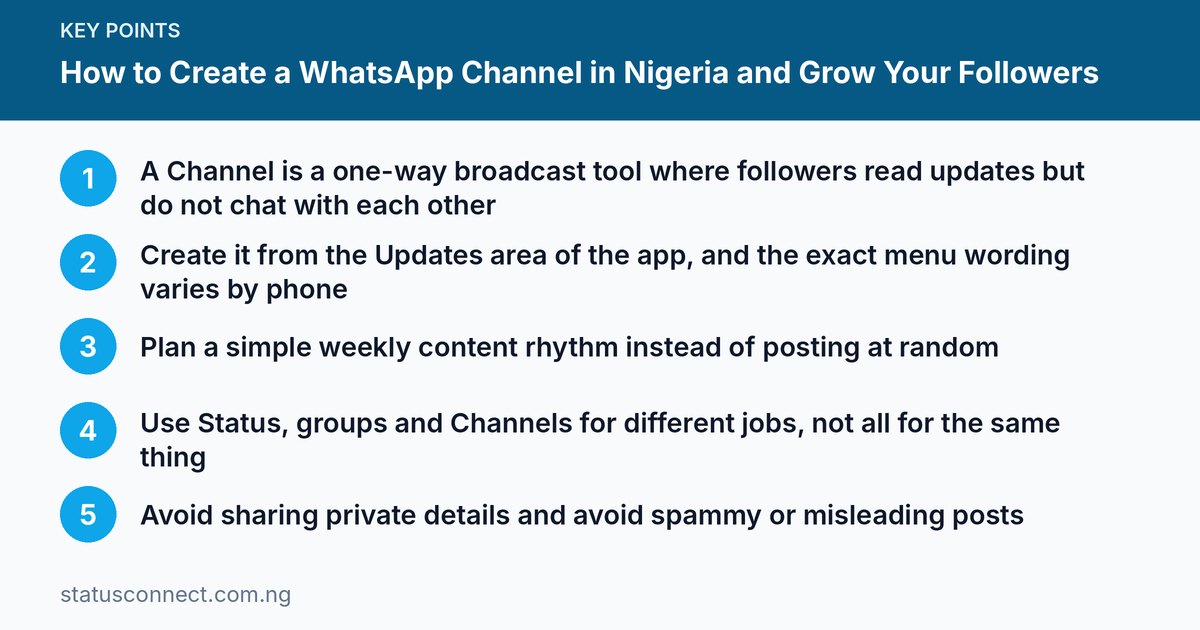
- A Channel is a one-way broadcast tool where followers read updates but do not chat with each other
- Create it from the Updates area of the app, and the exact menu wording varies by phone
- Plan a simple weekly content rhythm instead of posting at random
- Use Status, groups and Channels for different jobs, not all for the same thing
- Avoid sharing private details and avoid spammy or misleading posts
For a long time, a Nigerian seller or creator who wanted to reach many people on WhatsApp had three imperfect options. Status disappears after a day and only reaches saved contacts. Broadcast lists only reach people who saved your number. Groups become noisy fast. WhatsApp Channels were introduced to fill the gap: a simple, one-way way to share updates with anyone who chooses to follow you. This guide explains how Channels work, how to create one, what to post and what to avoid.
What is a WhatsApp Channel?
A Channel is a broadcast space inside WhatsApp. The owner and admins post updates, such as text, photos, videos, links, polls and stickers. Followers can read them, react with emojis and, in most cases, that is it. Followers do not chat with each other inside the Channel, and they do not message the admin through it.
Think of it as a noticeboard that people choose to follow, or a small radio station inside your phone. It suits:
- Shops and online vendors posting new arrivals, restocks and offers.
- Churches, mosques, schools and clubs sharing announcements.
- Creators, coaches and tutors sharing tips and lessons.
- Local news, events and community information for places like Lagos, Abuja or Port Harcourt.
- Freelancers who want a steady place to show their work.
Features, limits and availability can change, so check what you see on your phone and read the official pages on the WhatsApp Help Centre.
Channels vs groups vs Status vs broadcast lists
Many people confuse these, so here is the difference in plain words.
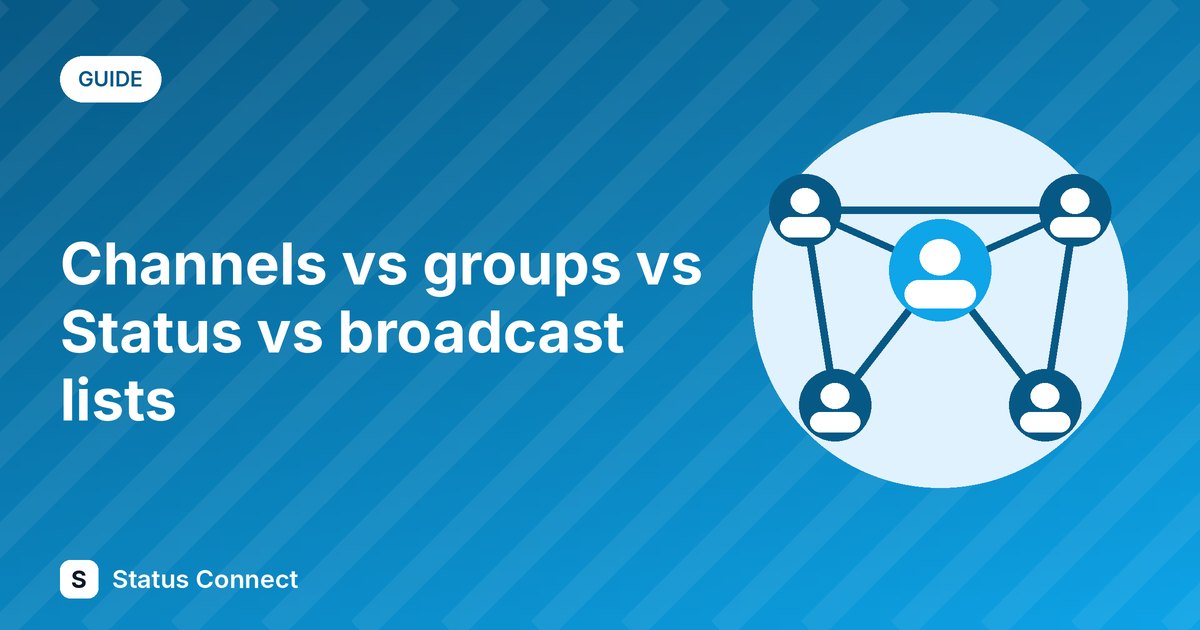
- Channel: one-to-many. Admins post, followers read. Followers do not need your number saved and you do not need theirs. Good for public or semi-public updates.
- Group: many-to-many. Everyone can talk, so it is good for discussion and community, but it can get noisy and people can see each other's participation. See our comparison of groups vs communities.
- Status: a 24-hour update shown to your contacts. It is great for daily proof, behind-the-scenes and quick promos. Learn how to increase your Status views.
- Broadcast list: a message sent individually to people on your list. They must usually have your number saved, and the message arrives like a private chat.
The best approach is to combine them. Use Status to attract attention, a Channel to keep a standing audience, and chats to close sales one to one.
Who can create a Channel?
In many regions, any WhatsApp user with an up-to-date app can create a Channel, and it is also offered in the WhatsApp Business app. Availability depends on your app version and country, so if you do not see the option, update the app first. If it is still missing, it may not be available to your account yet.
How to create a Channel step by step
The menu names vary by phone and app version, so use these as a guide.
- Update WhatsApp from the official store for your phone.
- Open the Updates area. In current versions this is a tab or section where Status and Channels appear.
- Look for the option to add or create a Channel. It is often a plus button or a "Channels" section with a create option.
- Choose a name. Pick something clear that people will recognise, like your business name or your topic. Avoid names that copy a famous brand, because that may lead to removal and confuses people.
- Add a description. Say who the Channel is for, what you will post and how often. For example: "New arrivals and restock alerts from [Shop], Lagos. Posts three times a week."
- Add an icon. Use your logo or a clear photo. A clean image helps people trust it.
- Create the Channel, then share the invite link.
Before you invite anyone, post three or four useful updates so that new followers see real content when they arrive.
Privacy: what to know before you start
Privacy settings in Channels differ from those in groups. As a general principle, WhatsApp has said that followers of a Channel are not shown to each other, and that admins do not see followers' phone numbers in the same way as group admins do. Because policies and features can change, read the current Channel privacy information in the app and in the Help Centre rather than relying on any article, including this one.
Some practical points:
- Your own details. Check what the Channel shows about you as an admin, and whether your phone number is visible in any way. If you want to separate your personal identity from the Channel, consider using a dedicated Business number.
- Channel content is public in spirit. Even if you do not list the Channel in the directory, anyone with the link may be able to follow it. Do not post private customer information, IDs, bank details or screenshots of private chats.
- Message protection. Channel updates have not generally been treated the same as private end-to-end encrypted chats. Do not share anything sensitive in a Channel.
- People's data and photos. If you post photos of customers or events, get permission first. Our guide on the Nigeria Data Protection Act and WhatsApp contacts explains responsible handling, and the Nigeria Data Protection Commission is the official source for the law.
Growing your Channel the honest way
Having a Channel does not bring followers on its own. Here is what works.
Tell your existing audience
Share the invite link in your Status, your Instagram or TikTok bio, your flyers and your shop. A line such as "Follow my WhatsApp Channel for weekly restock alerts" gives people a reason to join. Comparing your platforms can help you decide where to promote, so see WhatsApp vs Instagram vs TikTok for Nigerian sellers.
Make a QR code
A printed QR code on a shop counter, packaging or a business card makes following easy. Our guide to click-to-chat links and QR codes shows the same idea for chats.
Promise one clear benefit
People follow what helps them. "Weekly Lagos fashion prices" is better than "Updates". A tutor might offer "One exam tip every morning". A food vendor in Port Harcourt might offer "Today's menu by 9am".
Be consistent
Choose a rhythm you can keep, such as three posts a week. Posting twenty times on Monday and then vanishing for a month trains people to mute you.
Ask for shares
Occasionally say, "If this helped you, forward it to a friend who needs it." Do not beg or pressure.
Consider the directory
WhatsApp has a Channel directory where people can find Channels. Whether and how your Channel appears depends on current settings and rules, so check the options in the app.
A simple content plan
Try a four-post weekly pattern that you can adapt:
- Monday: useful tip. Something your audience can use, such as how to wash a fabric, how to choose a phone, or how to prepare for an interview.
- Wednesday: product or service spotlight. One item with a clear photo, price and how to order. See how to write product descriptions that sell.
- Friday: proof. A customer result, delivery photo or before-and-after, shared with permission.
- Weekend: poll or question. Ask what people want next. Polls make followers feel heard and give you ideas.
Keep each update short. One photo, two or three lines and one next step is enough. End with a simple call to action, such as "Message us on [number] to order."
For more ideas on what to post, read our list of WhatsApp Status content ideas for vendors, since many of them work well in a Channel too.
Turning followers into customers
A Channel is for attention and trust. The sale usually happens in a private chat. When someone replies by messaging you, answer quickly, quote clearly and share payment details carefully. Read our advice on accepting payments safely on WhatsApp so that you protect yourself and your buyer. If you want a step-by-step on getting customers without adverts, see how to get customers without ads in Nigeria.
Mistakes to avoid
- Posting spam. Too many promos, repeated messages or misleading claims will make people leave and may lead to reports.
- Making false promises. Do not advertise "guaranteed returns" or fake giveaways. Misleading posts can harm others and your reputation, and the EFCC deals with fraud.
- Using someone else's content. Do not post photos, music or videos you do not have rights to use.
- Sharing private data. Avoid account numbers beyond what is needed, ID cards, addresses of customers and personal chats.
- Having no purpose. A Channel with no clear topic is hard to follow.
- Ignoring replies. If followers react or message you separately, respond politely.
- Neglecting account safety. Protect the number behind your Channel with two-step verification. See our guide on protecting your WhatsApp Business number.
Rules about promotions, data and platform policies can change, so review them from time to time.
Frequently asked questions
Is a WhatsApp Channel free?
Creating and following a Channel has generally been free, apart from your data costs. Any paid extras, if offered, depend on current features, so check in the app.
Will followers see my phone number?
As a general principle, followers are not shown each other's numbers, and the Channel is meant to be a separate space from your personal chats. Features can change, so check the current privacy details in the app before you share the Channel.
Can followers reply to my Channel?
Followers can usually react to updates, but they do not post messages in the Channel. If you want conversation, invite them to message you directly or join a group.
Is a Channel better than a group?
Neither is better. A Channel is for one-way updates to many people. A group is for conversation. Many businesses use a Channel for announcements and chats for customer service.
Final thoughts
A WhatsApp Channel gives Nigerian businesses and creators a clean way to build a following without handing out phone numbers or managing a noisy group. Create it carefully, post useful and honest updates on a steady rhythm, and keep sensitive information out of it. Use Status for quick daily reach, a Channel for steady updates, and private chats for orders. If you want to meet other business owners and swap contacts, you can also join our community at Status Connect and build your network step by step.