Selling & Money · 7 min read
How to Accept Payments Safely When Selling on WhatsApp in Nigeria
A practical guide to getting paid safely when you sell on WhatsApp in Nigeria, covering bank transfers, payment links, pay on delivery, fake alert prevention, receipts and record keeping.
By Noah Precious · Published 27 July 2026 · Updated 28 October 2026
Key takeaways
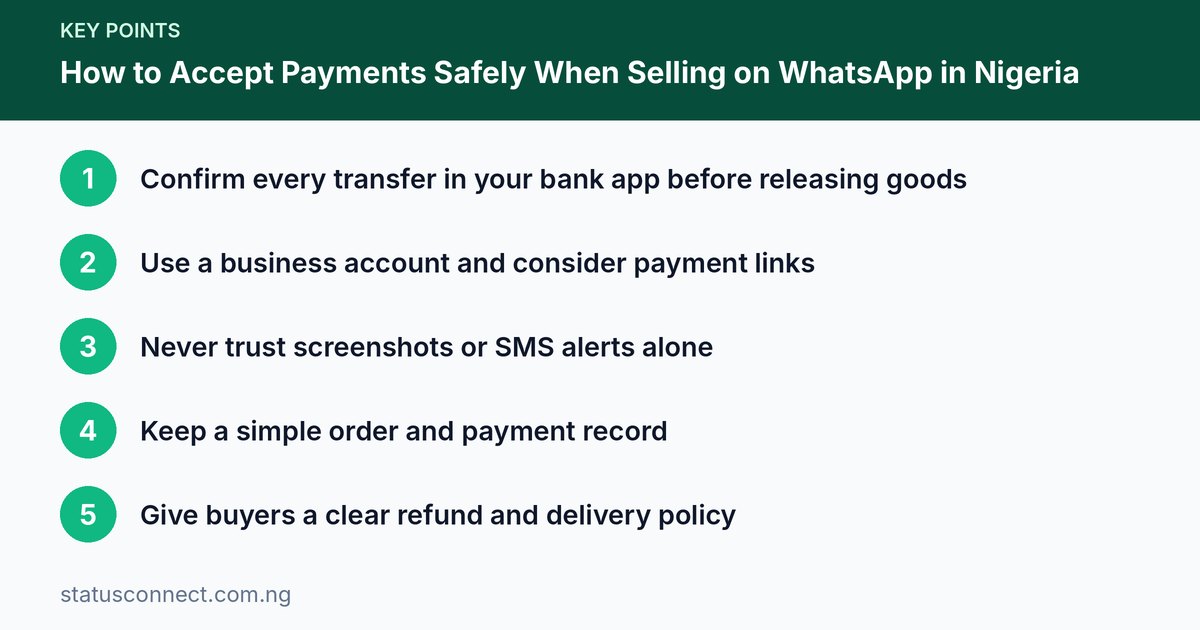
- Confirm every transfer in your bank app before releasing goods
- Use a business account and consider payment links
- Never trust screenshots or SMS alerts alone
- Keep a simple order and payment record
- Give buyers a clear refund and delivery policy
Selling on WhatsApp is quick and personal, but payment is where most small sellers get hurt. A fake alert, a charge reversal or a misunderstanding can wipe out a week's profit. This guide shows how to accept payments in Nigeria in a way that protects both you and your buyers, with practical steps you can apply today.
The main payment methods
Bank transfer
The most common method. The buyer sends money to your account and shares proof. It is fast and cheap but depends on you verifying that money has actually arrived.
Payment links and checkout pages
Payment providers licensed in Nigeria let you generate a link for a specific amount. The buyer pays by card, transfer or USSD on a secure page, and you get a notification from the provider. This reduces fake-alert risk because the confirmation comes from the platform, not from the buyer. Check that any provider you use is licensed and read their fees and settlement terms. The Central Bank of Nigeria publishes information about regulated payment service providers.
Pay on delivery
The buyer pays when they receive the item. It reduces trust problems for new customers but carries cost and risk: you may face refusals, failed deliveries and cash handling. Use it for local deliveries and keep your delivery partner accountable.
Deposits
For custom or expensive items, take a deposit, such as half, before starting work, and the balance before delivery. Write down what the deposit covers.
Fake alerts and how to avoid them
Fake payment alerts are the number one scam against WhatsApp sellers. Common tricks include:
- Edited screenshots showing a successful transfer.
- Fake SMS alerts that look like they came from your bank.
- Scheduled or pending transfers that never complete.
- Overpayment followed by a request to refund the difference. The original payment later fails or reverses.
The rule
Never release goods until the money shows in your bank app or account statement. Do not rely on screenshots or SMS alerts alone. If you are busy, tell the buyer: "I will send once my bank confirms. It takes a minute." Honest buyers will wait.
Extra checks
- Check the sender name and amount match the buyer.
- If you receive an unusually large payment, refresh your balance, not the SMS.
- Be careful with payments made after banking hours. Some transfers take time to show.
- For high-value orders, wait for confirmation or use a payment link.
Set up your accounts properly
- Use a dedicated business account if you can, so you do not mix personal and business money.
- Register your business name if you are growing, to open a corporate account and build credibility. The Corporate Affairs Commission provides official registration information.
- Keep your account details consistent in your catalogue, profile and quick replies so customers know what is official. Our article on quick replies and catalogues shows how to save them.
- Publish your official accounts. Post them on a Status or in your profile and warn people to ignore other numbers.
Protect your buyers too
Customers fear paying for items they never receive. You will sell more if you remove that fear:
- Share a clear delivery timeline and tracking if possible.
- Send photos or a short video of the item before dispatch.
- Provide a refund or exchange policy in simple words.
- Show reviews and delivery proof.
- Use receipts or invoices for larger orders.
Write a simple payment policy
Keep it short and visible. Include:
- Accepted payment methods and the official account name.
- When delivery starts, such as "after payment confirmation."
- Refund and exchange conditions.
- Delivery times and fees.
- How to contact you about problems.
Save it as a quick reply and post it occasionally on your Status.
Keep records
Create a basic sheet or notebook with columns for date, customer, item, amount, payment method, status and delivery. Take screenshots of order conversations and keep proof of delivery. Records help with disputes, taxes and understanding profit. If your business grows, consult an accountant and the Federal Inland Revenue Service guidance about taxes. This article is general information and not tax or legal advice.
Handle disputes calmly
If a buyer claims they paid and did not receive goods, check your records and the bank statement. If the payment is genuine, apologise, fix the issue and offer a clear timeline. If the buyer says they will report you, remain polite and stay factual. For fake claims, avoid arguments and share your evidence. Our guide on handling complaints covers a five-step process.
Common payment mistakes sellers make
- Releasing goods to a "rider" or "agent" sent by the buyer before the money has cleared. Scammers often claim a driver is waiting outside to create pressure.
- Accepting a payment from a third party with a different name from the buyer without asking why. Sometimes it is innocent, but it can be a sign of a stolen account.
- Refunding overpayments quickly. Always wait for the original payment to settle fully before you send anything back, and refund to the same account it came from.
- Sharing a personal account that changes. Customers get confused and scammers can slip in a fake number. Use one official account.
- Giving credit to strangers. Pay-later arrangements are for loyal repeat customers only, and only for amounts you can afford to lose.
- Skipping receipts. Without a receipt, a genuine dispute becomes your word against theirs.
A worked example: a custom order
Imagine you make custom aprons and a new customer asks for twenty pieces for her restaurant. A safe flow looks like this.
- Send a written quote with quantity, price per item, delivery fee and deadline.
- Ask the customer to confirm by replying "Agreed" to that message.
- Request a deposit to your official business account and confirm it in your bank app.
- Send progress photos halfway through.
- Ask for the balance before delivery, again confirming it in the bank app.
- Deliver, get a signed or messaged acknowledgement and send a receipt.
Every step leaves a record, and neither side can easily claim a different agreement later. If you sell larger orders, our guide on pricing products on WhatsApp helps you set deposits that cover your real costs.
Frequently asked questions
Should I accept payment to a personal account?
Many small sellers do, and it can work, but a dedicated business account is better for records and credibility. Whatever you use, keep the account name consistent and publish it in one trusted place.
What if the bank app shows pending?
Pending means the money is not yours yet. Wait until it shows as successful, and if you are unsure, call your bank. A real buyer will accept a short delay.
Can I ask for full payment before delivery?
Yes, and for many small items it is reasonable. To reduce buyer fear, share proof of the item, your reviews and a clear policy. Building credibility matters, and how to build customer trust online explains how.
What should I do if a buyer asks to pay with a link I did not send?
Do not click it. Only use payment links you generated yourself from your provider. A buyer sending you a "payment confirmation link" is a classic trick to steal your login details.
Stay alert to wider scams
Scammers also target sellers by impersonating logistics companies, banks or WhatsApp. Read 10 common WhatsApp scams in Nigeria and secure your account with two-step verification.
A payment checklist
- Quote the price and delivery fee clearly.
- Give your official account details or payment link.
- Wait for confirmation in your bank app or provider dashboard.
- Record the sale.
- Dispatch and share proof.
- Ask for feedback and a review.
Follow these steps consistently and you will avoid most losses while building the trust that brings repeat customers.