WhatsApp Business · 10 min read
WhatsApp Groups vs Communities: Which Should You Use in Nigeria?
Learn how WhatsApp groups, Communities, broadcast lists, Status and channels differ, and which suits your business, church, association or school.
By Noah Precious · Published 28 October 2026
Key takeaways
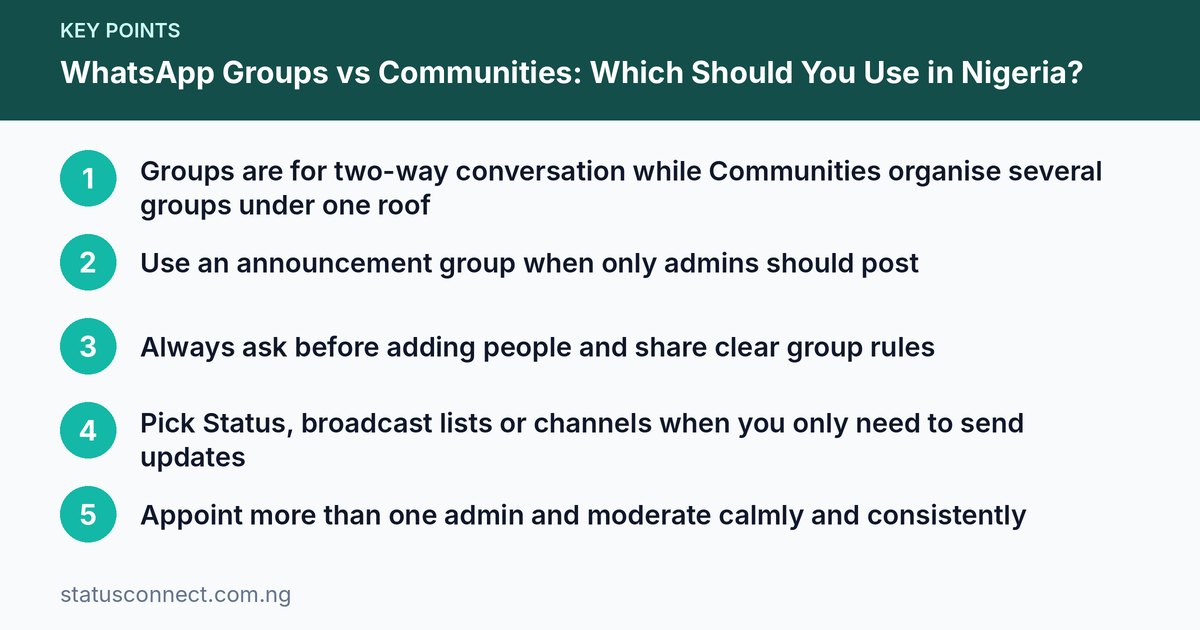
- Groups are for two-way conversation while Communities organise several groups under one roof
- Use an announcement group when only admins should post
- Always ask before adding people and share clear group rules
- Pick Status, broadcast lists or channels when you only need to send updates
- Appoint more than one admin and moderate calmly and consistently
Almost every Nigerian has been added to a WhatsApp group without being asked. There is the family group, the church group, the old classmates group, the estate group and the "Lagos Foodstuff Vendors" group that sends forty messages before breakfast. Groups are useful, but they are also the fastest way to annoy the people you want to reach.
WhatsApp now gives you several ways to talk to many people at once: groups, Communities, broadcast lists, Status and channels. They are not the same thing, and choosing the wrong one is why so many groups go quiet or get muted. This guide explains each option in plain language, then shows how to set up and manage the right one for a business, a church or association, or a school.
The five ways to reach many people on WhatsApp
Before you create anything, understand what each tool is for.
- Group chat: a shared conversation where members can talk to each other. Best for discussion, coordination and teamwork.
- Community: a way of bringing related groups together under one name. It usually has an announcement group where only admins post, plus separate groups for different topics.
- Broadcast list: you send one message to many people, and each person receives it as a private message from you. Replies come to you alone. Usually people only receive it if they have saved your number.
- Status: a post that disappears after 24 hours and is seen by your contacts. Good for daily updates, offers and showing your work.
- Channel: a one-way feed that people can follow without sharing their phone number with you or with each other.
A simple rule helps: if you want people to talk to each other, use a group. If you want to organise many groups, use a Community. If you want to speak and people mostly listen, use a broadcast list, Status or a channel.
When a group is the right choice
A normal group works best when the number of members is manageable and everyone has a reason to speak. Examples include:
- A delivery team coordinating riders in Lagos.
- A small cooperative (ajo or esusu) tracking monthly contributions.
- A class project team at a university in Port Harcourt.
- A customer support circle for a small group of regular buyers.
Groups become a problem when they grow too large or have no purpose. A group of five hundred strangers selling different things turns into noise very quickly. People mute it, then leave it.
Group size and limits
WhatsApp sets a maximum number of members per group, and that number has increased over the years. Because it can change again, check the current limit on the official help pages instead of relying on what you heard from a friend. As a practical matter, the best size for an active discussion group is often much smaller than the maximum.
When a Community is the right choice
A Community is useful when one organisation has many different audiences. Think of a church with a choir, youth group, ushers and a welfare team. Or a residents' association with separate groups for each street, a security committee and a general notice board.
Without a Community, you would create many unrelated groups and then add the same people again and again. With a Community:
- You create one Community with a clear name and description.
- Members join the Community and see an announcement group where only admins can post.
- You attach topic groups, such as "Security Updates" or "Youth Meetings", and members join the ones that matter to them.
This keeps important notices in one place while discussions stay in their own groups. For example, a market association in Abuja can post a notice about a new levy meeting in the announcement group once, instead of pasting it into ten groups.
How to set up a Community
The exact wording differs by phone, but the process is generally like this:
- Open WhatsApp and look for the Communities tab or the option to start a new Community.
- Give it a name and a short description that explains who it is for and what is allowed.
- Add a picture, ideally a logo, so people recognise it.
- Add existing groups you manage, or create new ones inside it.
- Share the invite link or invite members, then check the announcement group settings.
If you cannot find these options, update the app and check the help centre guide for your device.
Using an announcement group well
An announcement group, where only admins can send messages, solves one of the biggest problems on WhatsApp: important information getting buried under chatter. Use it for:
- Meeting dates and venues.
- Fee or dues reminders.
- Changes to timetables or opening hours.
- Safety or emergency notices.
Keep announcements short, clear and infrequent. If you post three times a day, people will mute it. One useful post is better than five forwarded memes.
Setting rules people will follow
Every group needs rules, and they should be pinned or written in the group description so new members see them. Keep them short and fair. A good set of rules might say:
- Stay on topic. State what the group is for.
- No adverts unless the group is meant for adverts, and then only at set times.
- No forwarding unverified news, rumours or chain messages.
- Be respectful. No insults, tribalism or religious attacks.
- No sharing of other people's phone numbers, photos or documents without permission.
- Do not send private messages to members to sell to them unless they asked.
Explain what happens when rules are broken, for example one warning and then removal. Apply the rules to everyone, including friends and senior members, or the rest of the group will stop trusting you.
Do not add people without consent
This is the habit that does the most damage. Adding someone to a group, especially a selling group, without asking exposes their phone number to strangers and may irritate them enough to block you.
A better approach is to:
- Ask first by message: "We have a group for [purpose]. Would you like to join?"
- Tell them what to expect, such as how often you post.
- Share an invite link only after they say yes.
- Let anyone leave freely without making them feel guilty.
This is both courteous and sensible. Phone numbers are personal data, and handling them carefully matters. Our guide on the Nigeria Data Protection Act and WhatsApp contacts explains the thinking behind this, and you can read more on the Nigeria Data Protection Commission website. For what is and is not acceptable when messaging customers, see WhatsApp marketing rules: what is allowed.
Moderation and admin tips
Running a group is a small job in community management. These habits make it easier:
- Have more than one admin. If your only admin changes phone numbers or loses access, the group can be left without a manager. Two or three trusted admins is safer.
- Use admin-only settings. You can often limit who can edit group information or send messages. Use these when the group is large or is a notice board.
- Approve new members if possible. Some groups let admins approve join requests when a link is used, which helps stop spam accounts.
- Respond calmly. Delete a rule-breaking post and message the person privately rather than arguing publicly.
- Welcome new people. A short welcome message pointing to the rules reduces repeated questions.
- Review the group now and then. Remove inactive or unhelpful members, and close groups that no longer serve a purpose.
- Protect the invite link. If the link ends up where it should not be, reset it from the group settings.
Which option fits which organisation
Small businesses and vendors
For customers, avoid dumping everyone into one big group. Use the WhatsApp Business app, which lets you build a profile and catalogue, as described in WhatsApp Business app setup in Nigeria. Then:
- Use Status for daily offers and new stock.
- Use a channel for regular updates that people choose to follow. See how to create a WhatsApp channel in Nigeria.
- Use a small VIP or regulars group only for people who ask to join, such as repeat buyers who want early access.
Churches, mosques and associations
A Community fits well. The announcement group carries notices from leadership. Separate groups handle departments, committees or branches. This keeps prayer requests, fundraising drives and event planning from getting mixed up.
Schools and parent groups
Class or parent groups are most useful when they are narrow in purpose. A teacher might run an announcement-only group for homework and fee deadlines, plus a separate parents' discussion group managed by parent representatives. Keep children's information and photos out of open groups, and follow your school's own safeguarding policy.
Common mistakes to avoid
- Creating a group before knowing what it is for.
- Adding hundreds of people at once with no warning.
- Allowing endless selling in a group that is not meant for it.
- Letting one admin control everything.
- Posting at all hours. Pick sensible times. Our guide to the best time to post WhatsApp Status in Nigeria offers ideas that also apply to announcements.
- Ignoring complaints. If people keep leaving, ask why.
Frequently asked questions
Is a Community better than a group?
Not always. A Community is better when you manage several related groups and need a central place for announcements. A single group is simpler and better for a team or a small circle that mainly wants to chat.
Can people in a Community see my phone number?
It depends on the settings and the group, so read the privacy information shown when you join or create one. Members of a group can usually see the numbers of other members, so be careful about adding people who would not want their number shared.
What is the difference between a broadcast list and a group?
In a broadcast list, each person gets your message privately and cannot see the other recipients, and only your replies are involved. In a group, everybody can see and reply to each other's messages.
How do I stop people from adding me to groups?
Look in your WhatsApp privacy settings for the option about who can add you to groups. The wording varies by phone, but you can usually limit it to your contacts or to certain people, so that others must send an invitation first.
Final thoughts
Good groups are small in purpose, clear in rules and respectful of members. Start by deciding what you want people to do, whether that is chat, receive notices or follow updates, and then choose the tool that matches. If you are building a network of business contacts, you can also join the Status Connect community and read our guide on growing a small business WhatsApp network in Nigeria.