Security & Privacy · 7 min read
WhatsApp Marketing in Nigeria: What Is Allowed, What Gets You Banned and What to Do If You Are Restricted
A plain-language guide to WhatsApp's commercial messaging rules for Nigerian businesses, the behaviours that cause bans, how to recover a restricted account and how to market safely.
By Noah Precious · Published 2 February 2026 · Updated 28 October 2026
Key takeaways
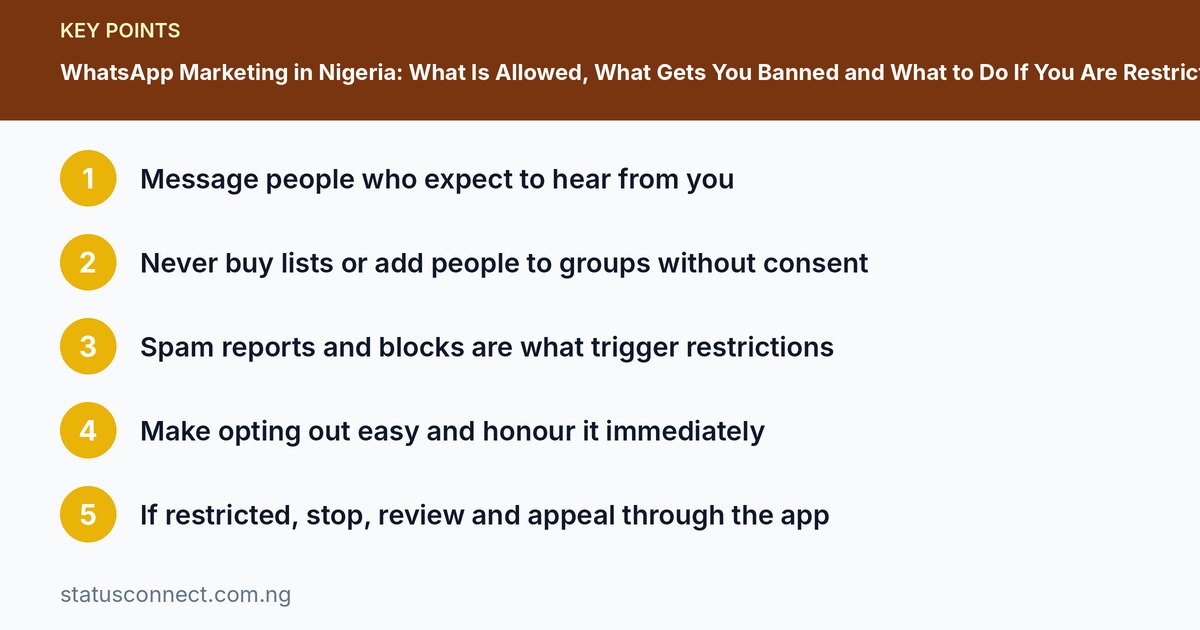
- Message people who expect to hear from you
- Never buy lists or add people to groups without consent
- Spam reports and blocks are what trigger restrictions
- Make opting out easy and honour it immediately
- If restricted, stop, review and appeal through the app
WhatsApp is the most important sales channel for many Nigerian businesses, and it is also one of the easiest ways to lose a customer list overnight. WhatsApp automatically restricts or bans accounts that look like they are sending spam, and it does not always explain why. This guide explains the rules in plain language, lists the behaviours that cause trouble, shows what to do if your account is restricted and gives you a safe marketing routine.
The core principle: consent and relevance
WhatsApp is built for personal conversations. Its commercial rules revolve around two ideas. First, people should receive messages only if they expect them. Second, those messages should be relevant and wanted. If recipients block you, report you or ignore your messages in large numbers, WhatsApp's systems treat your account as a source of unwanted messages.
Behaviours that commonly lead to restrictions or bans
- Mass messaging people who do not know you. Sending the same message to hundreds of strangers is the fastest route to a ban.
- Bulk or automated messages through unofficial apps. Modified versions of WhatsApp, "bulk sender" tools and bots that log into your number violate the terms and often get numbers banned.
- Adding people to groups without asking. Many users report these groups, and each report counts against you.
- Using scraped or purchased contact lists. People on those lists never agreed to hear from you.
- High rates of blocks and reports. Even if your messages are legitimate, repeated blocks signal a problem.
- Misleading or prohibited content. Fake discounts, counterfeit goods, illegal products and scams break the rules. Check the policy's list of restricted items.
- Sharing other people's accounts. Selling or renting WhatsApp numbers, or logging into multiple accounts from the same device in a suspicious way, can trigger reviews.
What is generally fine
- Replying to customers who messaged you first.
- Sending updates to people who have saved your number and agreed to receive them.
- Posting on your Status, which only reaches people who have you in their contacts.
- Using the official WhatsApp Business app features such as labels, quick replies and catalogue.
- Using the official Business Platform API through an approved provider for larger, consent-based campaigns.
How to market safely: a practical routine
- Collect permission. Add a line to receipts, order forms and your profile: "Message us to get restock alerts." Keep a simple record of who said yes.
- Segment. Send only the offers that match what a customer bought or asked about.
- Limit frequency. Weekly updates beat daily blasts. Respect quiet hours.
- Personalise. Use the customer's name and a relevant reason for contact.
- Make opting out easy. Say "Reply STOP to stop receiving updates." Remove anyone who asks, immediately.
- Use Status for broad reach. It does not message anyone directly. See how to grow your Status views.
- Grow your contacts honestly. Ask customers to save your number. Exchange contacts with relevant businesses, as covered in growing a small business WhatsApp network.
If your account is restricted or banned
Temporary restriction
You may be limited from sending messages, creating groups or forwarding for a period. The app usually shows a message. Stop sending bulk messages, do not create new numbers to continue the same behaviour and wait out the restriction.
Account banned
In the app, tap Request a review if it is offered. Explain calmly that you use WhatsApp for customer communication and describe what you will change. Do not send repeated appeals in anger. Also consider emailing WhatsApp Support through the in-app contact option.
Steps to recover and prevent repeat problems
- Stop any bulk tools immediately and remove unofficial apps. Reinstall the official WhatsApp Business app from the Play Store or App Store.
- Review who you have been messaging. Remove people who did not opt in.
- Review your recent messages. Remove misleading claims or prohibited items.
- Ask a few trusted customers to message you first. Fresh two-way conversations help.
- Back up important contacts to Google Contacts so you can recover them. See our guide on VCF files and contact backups.
- Turn on two-step verification to protect against hijacking.
Remember that WhatsApp does not publish exact thresholds, and no one can guarantee a ban will be reversed.
Real-life examples of safe and unsafe behaviour
Rules are easier to remember with examples.
- Unsafe: A shop owner buys a list of 2,000 numbers and sends the same promotion to all of them in an evening. Many recipients block and report, and the account is restricted.
- Safer: The same owner asks past customers to reply "YES" if they want restock alerts, then sends a short weekly message to those who agreed.
- Unsafe: Adding forty people to a new "Cheap deals" group without asking.
- Safer: Posting a group invitation link on Status and in the bio, so only interested people choose to join. See our comparison of WhatsApp groups and communities.
- Unsafe: Using a third-party app that sends messages automatically from your number.
- Safer: Using the official Business app's quick replies and labels, or a WhatsApp Channel for one-way updates to followers who chose to subscribe.
Protect your reputation as well as your account
Staying within the rules is partly about attitude. Before you send any message, ask yourself whether you would be happy to receive it. Check that the person knows who you are, that the message is useful to them and that they can easily say no. Treat blocks and complaints as feedback and change what you send rather than blaming the customer. Keep a short list of people who asked you to stop, and never message them again. Businesses that treat contacts with respect tend to be the ones who keep their numbers for years.
Frequently asked questions
Is posting on Status considered spam?
Status is shown only to people who have your number saved and does not message them directly, so it is generally the safer broadcast tool. Still, posting excessively can lead people to mute you.
Can I message someone who enquired a month ago?
A relevant follow-up to a genuine enquiry is usually reasonable. Keep it short, mention what they asked about and offer an easy way to say no.
Do I need written consent?
A clear opt-in message in the chat, such as "Yes, send me updates," is a practical record. Keep screenshots of these for your files. For legal questions, consult a qualified Nigerian lawyer.
How long should I wait before trying again after a restriction ends?
Return gently. Send fewer messages, talk only to people who already know you and avoid anything that caused the problem. A rushed return to old habits can bring a longer restriction.
Nigerian legal context
Nigeria's data protection law, the Nigeria Data Protection Act 2023, covers how businesses collect and use personal data, including phone numbers. The regulator is the Nigeria Data Protection Commission. Collecting numbers for marketing without clear notice or consent can create legal and reputational risk on top of a WhatsApp ban. We summarise the basics in our guide to data protection and WhatsApp contacts.
Quick do and do-not list
Do: reply promptly, get consent, segment, keep messages short and honest, make opting out easy and use Status for reach.
Do not: buy lists, add people to groups unasked, use unofficial apps, send the same text to hundreds of strangers or ignore blocks and complaints.
Final advice
The safest marketing on WhatsApp is also the most effective. People who chose to hear from you are more likely to buy, and they do not report you. Treat every contact like a customer relationship, not a number on a list.